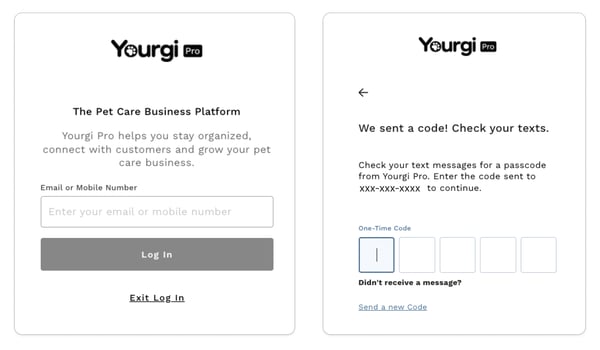
Web
- Navigate to yourgi.com
- Select 3 line menu button in the top right
- “Sign in" as Yourgi Pro
- Follow on screen Prompts (enter your phone number or email)
- Enter in the 5-digit one-time code
✨ By bookmarking the Sign In page for Yourgi Pros, you can skip step 1. 😉

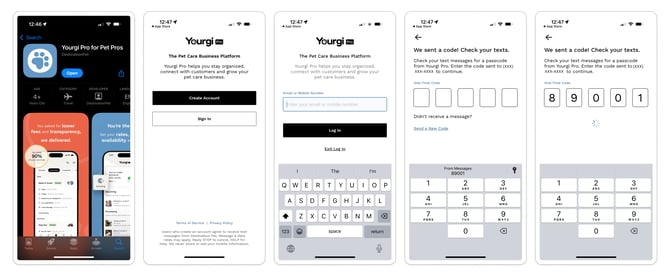
Mobile
- Download Yourgi Pro for Pet Pros
- Select “Sign In”
- Follow on screen Prompts (enter your phone number or email)
- Enter in the 5-digit one-time code